
Studio example Now ·
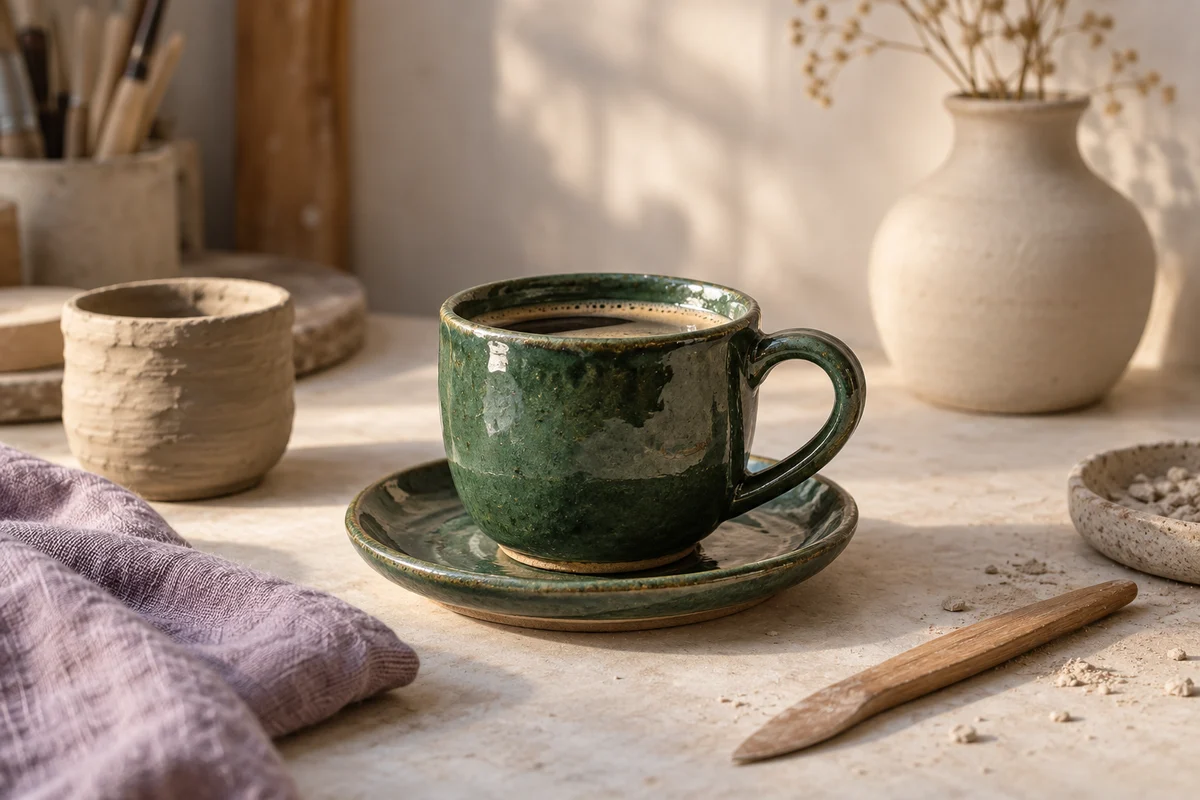
The new collection is here. Meet the makers, see the details, and find your favourite. Available in the shop from Friday.
0 0 comments · 0 shares
Like Comment Share
New products, weekend offers, a look behind the scenes. Prepare your Page posts in one sitting and make room for the rest of your business.
Start your free trial14 days free. $0 today. Card required.
Give people a reason to come back.
The new collection is here. Meet the makers, see the details, and find your favourite. Available in the shop from Friday.
A new arrival, a customer question, a change in opening hours. Write the update, add your photos, and preview the post before putting it on the calendar.
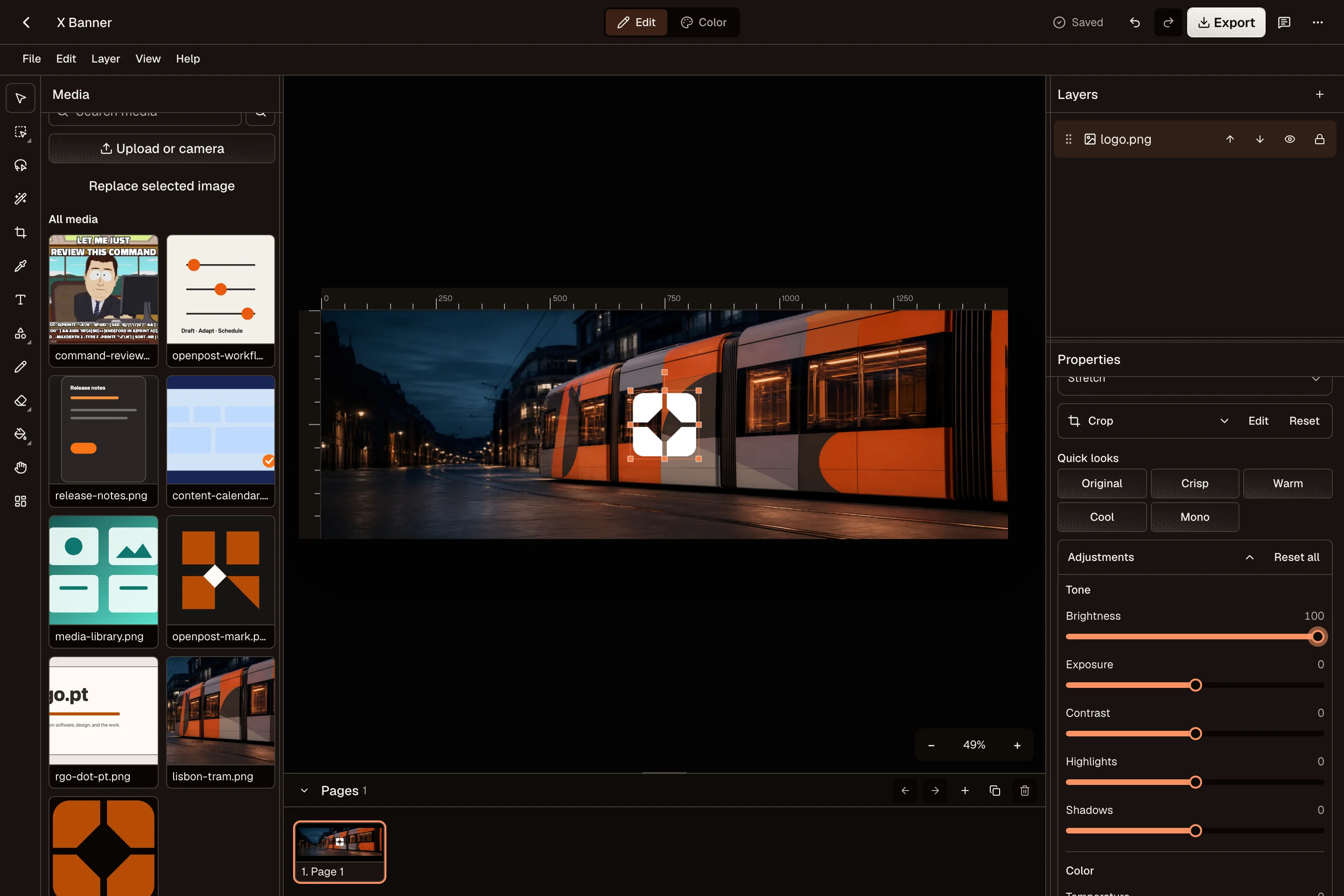
Crop product photos, add a price or headline, and save a reusable design in the Image Editor. Keep your logo and photos together for the next promotion.
Prepare a launch announcement and its follow-up together. Choose a time for each post, then see Facebook alongside your other channels in one calendar.
OpenPost’s Facebook integration is for Pages. Personal profiles and Groups are not supported. You need permission to manage the Page you want to use.
OpenPost includes these formats. Check the options available to your account before scheduling.
Yes. Start with one idea, select your accounts, then change the text and media for each channel. Your drafts and planned posts stay together in one calendar.
Explore the other channelsNo. OpenPost Cloud runs in your browser. You can also try the free image and video editors before creating an account. Full video editing works best in desktop Chrome or Edge.
Try the free tools