
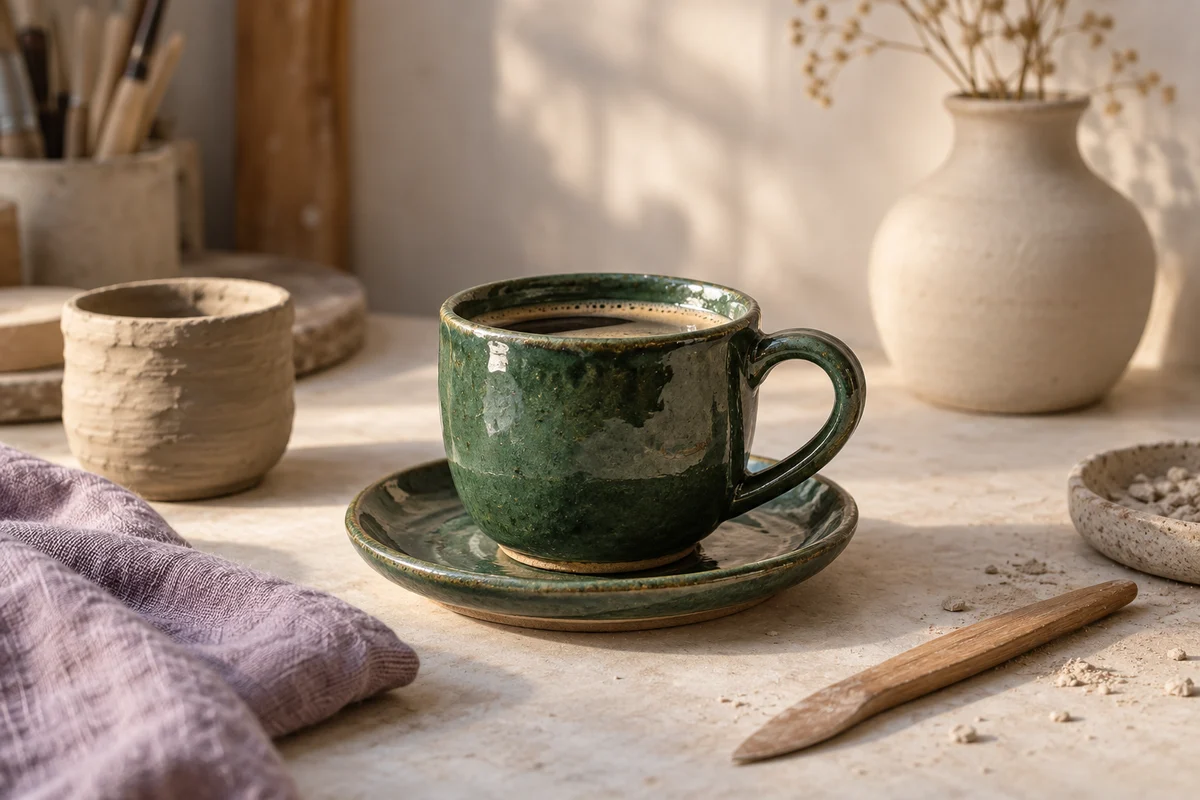
From clay to coffee cup
0 views · Now
A look inside the studio, from the first shaping to the finished glaze. See how we make a cup for everyday coffee.
Comments 0
Record a walkthrough, finish a product demo, or cut a Short. Keep the video, thumbnail, and description together as you prepare to share it.
Start your free trial14 days free. $0 today. Card required.
Make the answer easier to watch.
A look inside the studio, from the first shaping to the finished glaze. See how we make a cup for everyday coffee.
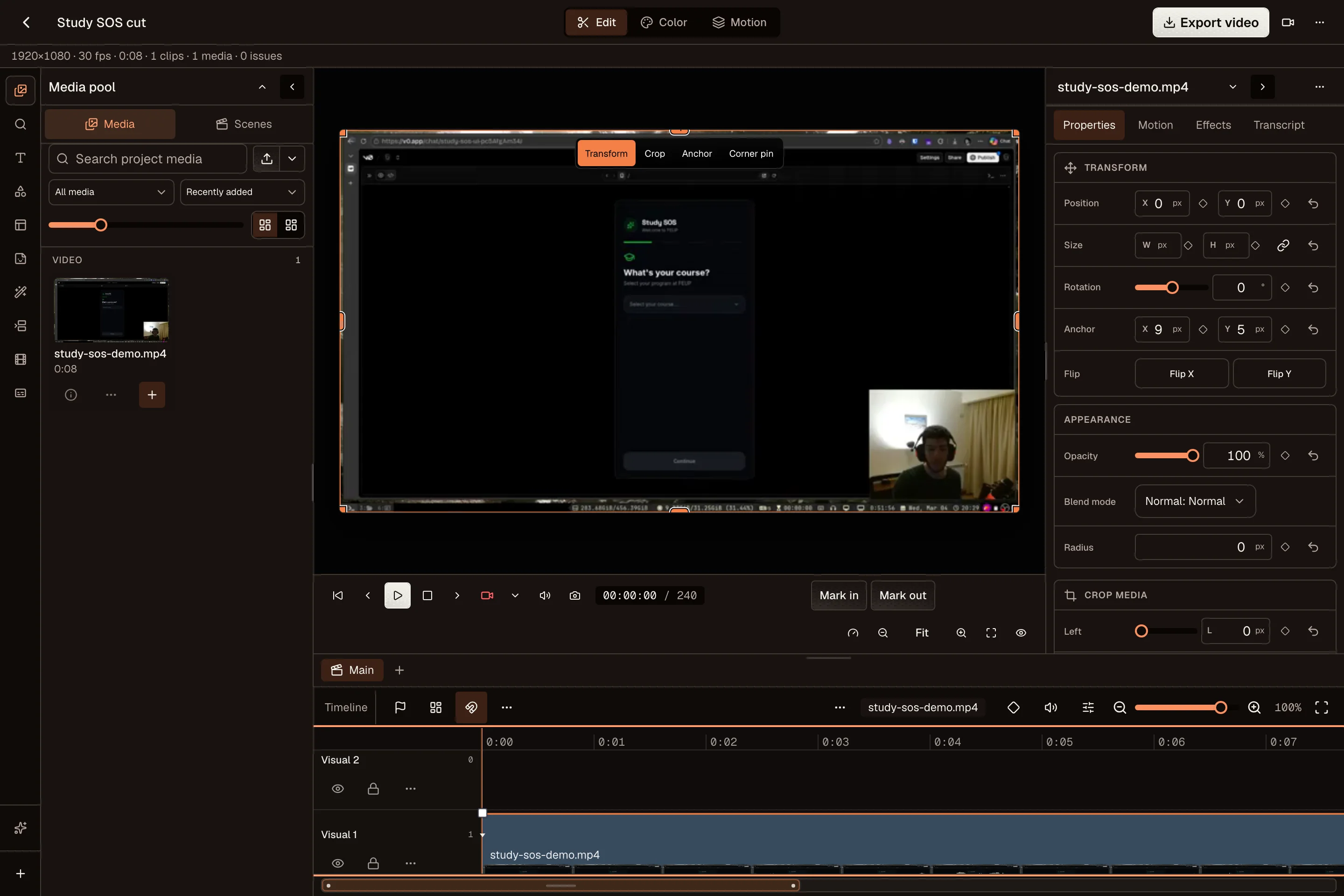
Capture your screen, camera, and microphone. Use the desktop Video Editor to remove pauses, add captions, and make the important part easy to see.
Create a thumbnail in the Image Editor and write a title that tells viewers what they will learn. Keep the description, links, and video with the same draft.
Return to your project to create a vertical cut for Shorts, Reels, or TikTok. Adjust the framing and caption for each channel before you share it.
YouTube processes an upload before it is ready to watch. Review the final visibility and processing status. Some posting connections can restrict uploads to private until YouTube approves them.
OpenPost includes these formats. Check the options available to your account before scheduling.
Yes. Start with one idea, select your accounts, then change the text and media for each channel. Your drafts and planned posts stay together in one calendar.
Explore the other channelsNo. OpenPost Cloud runs in your browser. You can also try the free image and video editors before creating an account. Full video editing works best in desktop Chrome or Edge.
Try the free tools