
yourstudio
Like Comment Share Save
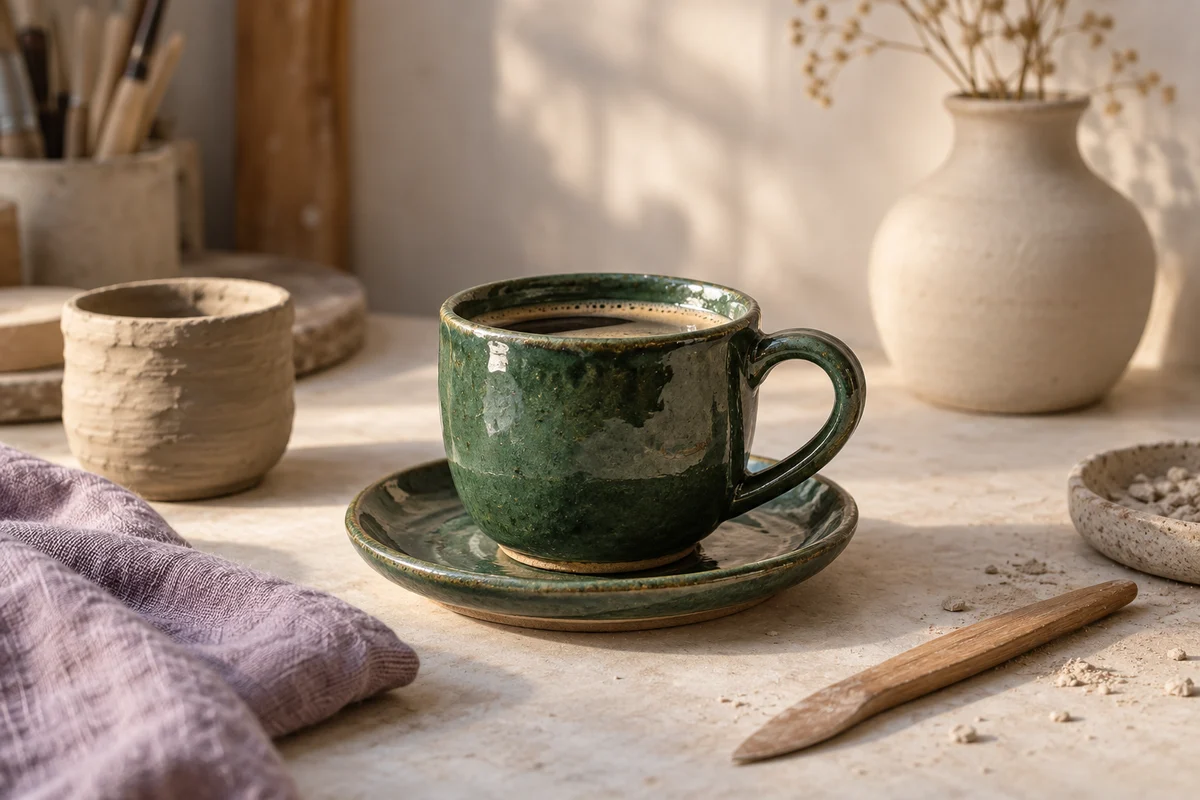
yourstudio A closer look at our new forest-green glaze. Made slowly, for everyday coffee.
View all 0 comments NowProduct photos, carousels, Stories, and Reels. Bring the idea, make the media, and plan your next post without juggling separate tools.
Start your free trial14 days free. $0 today. Card required.
One shoot. A week of ideas.
yourstudio A closer look at our new forest-green glaze. Made slowly, for everyday coffee.
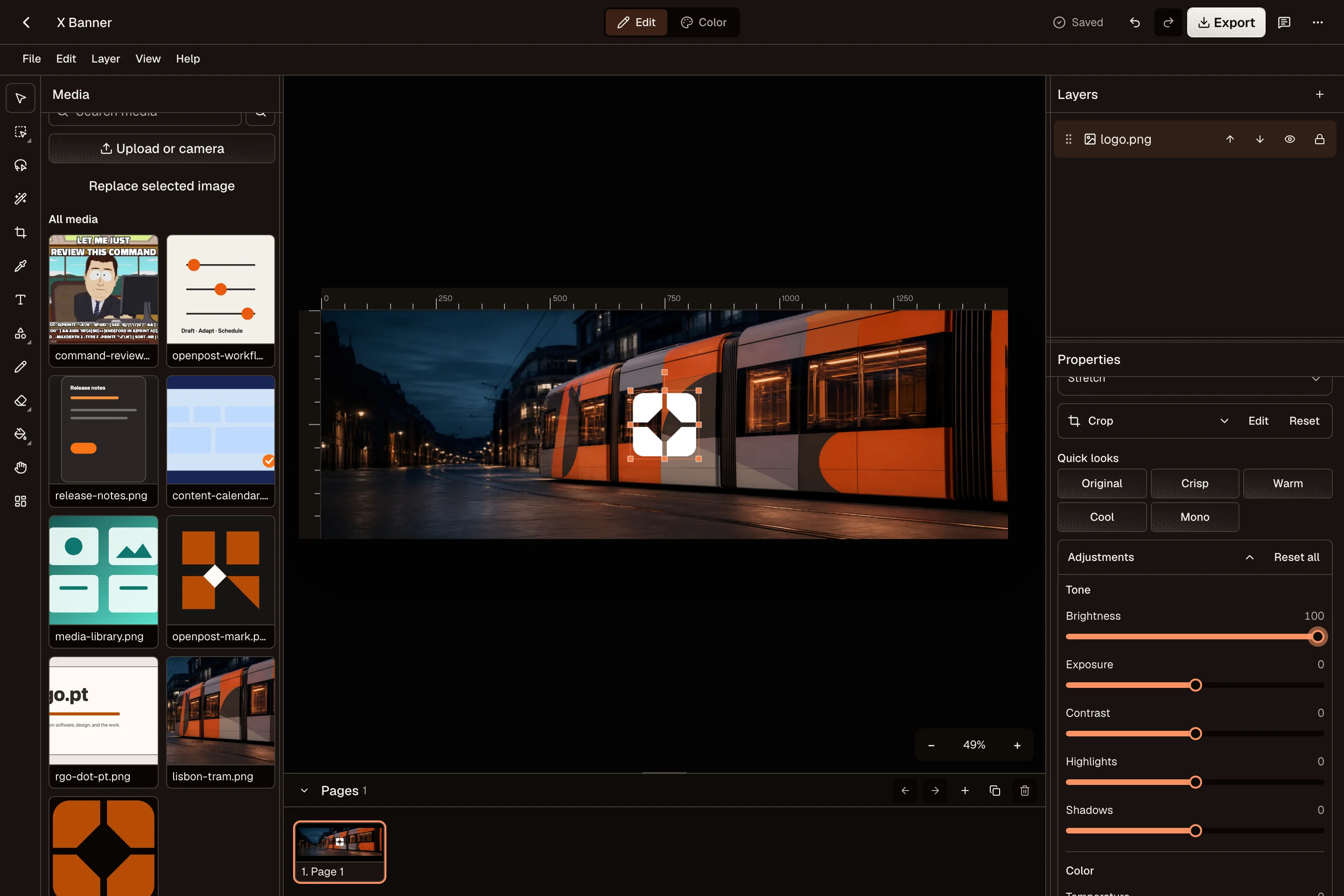
View all 0 comments NowCrop, adjust colors, add text, and reuse your brand assets in the Image Editor. Build a multi-page design when the story needs more than one image.
Trim your recording, add captions, and export a vertical video in the desktop Video Editor. Keep the original project so the next edit starts with your work already there.
Put product launches, useful tips, and behind-the-scenes updates on one calendar. Change the caption for Instagram while preparing the same idea for other channels.
OpenPost’s Instagram connection requires a professional account. Personal accounts are not supported. Reels, Stories, and feed posts have different requirements, so check the options shown for your account.
OpenPost includes these formats. Check the options available to your account before scheduling.
Yes. Start with one idea, select your accounts, then change the text and media for each channel. Your drafts and planned posts stay together in one calendar.
Explore the other channelsNo. OpenPost Cloud runs in your browser. You can also try the free image and video editors before creating an account. Full video editing works best in desktop Chrome or Edge.
Try the free tools